Free Online Video to Image ConverterConvert Video to JPG, PNG & HD Frames
Turn any MP4, MOV, AVI, or WebM file into sharp images, thumbnails, and social-ready stills with our private browser-based converter. No uploads to servers. No watermarks. No limits.
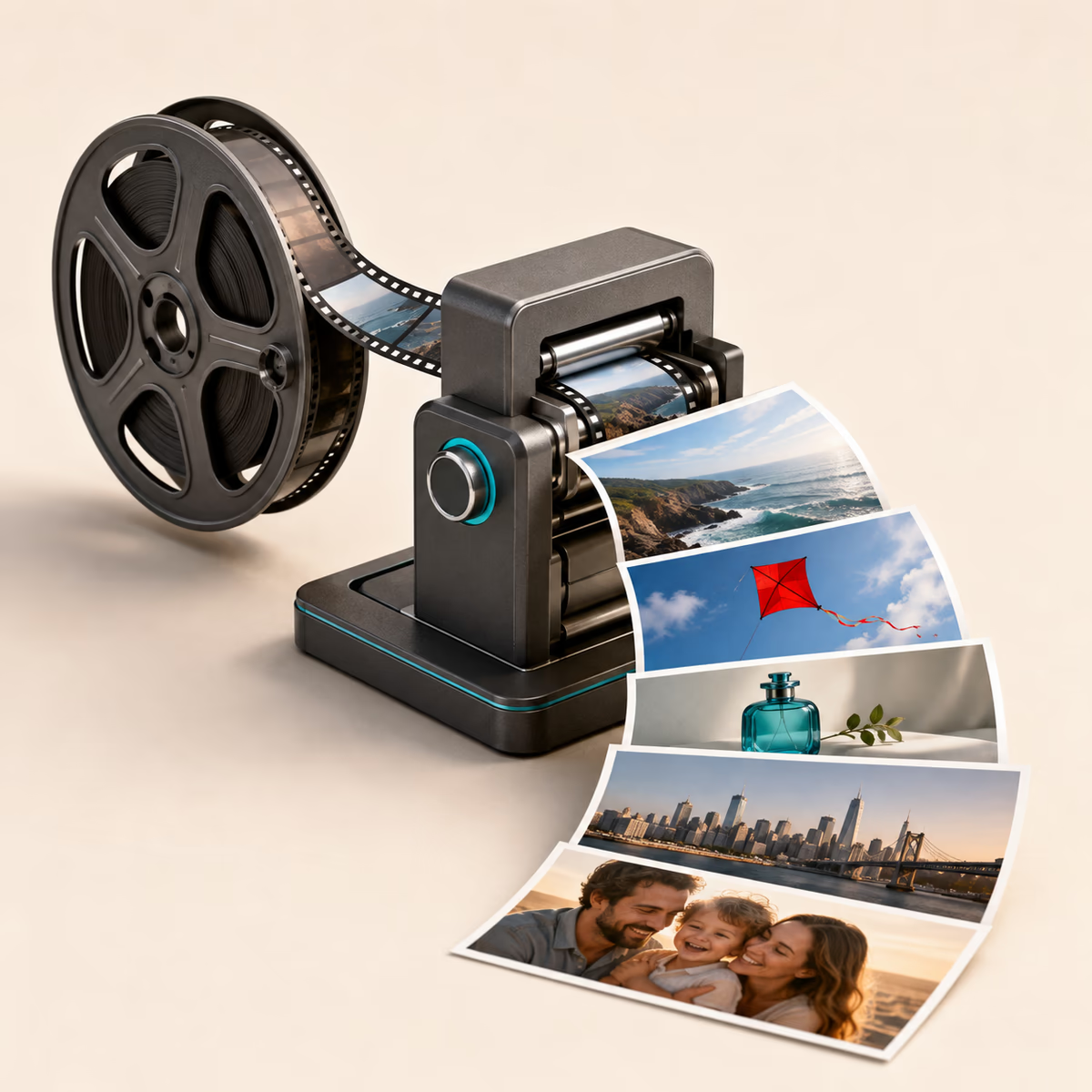
Works with all popular video formats
Why Use Our Online Video to Image Converter for JPG, PNG, and Thumbnail Extraction
Built for creators, marketers, and e-commerce teams that need fast video frame extraction, private processing, and high-quality image output.
Extract Frames in Under 3 Seconds
Stop waiting. Our browser-based engine processes videos instantly - no upload delays, no server queues. Just pure speed.
Crystal Clear JPG & PNG Output
Get pixel-perfect images at your video's native resolution. No compression artifacts. No quality loss. Ever.
Grab 1 Frame or 1,000
Need a single thumbnail? One click. Need every frame? Batch extract with precision timing controls.
Your Videos Never Leave Your Device
Unlike other tools that upload your files, we process everything locally. Your content stays 100% private.
Frame-by-Frame Precision
Navigate videos frame-by-frame with keyboard controls. Capture the exact moment you need, every time.
Works Everywhere, Instantly
Chrome, Safari, Firefox, mobile - if you have a browser, you can convert. No app downloads or plugins needed.
Convert Video to JPG Online Free and Extract HD Frames Instantly
Upload a video, capture the exact frame you need, and export clean JPG or PNG images for thumbnails, product photos, blogs, and social media. JPG or PNG. No watermarks. No limits. No catches.
Drag & drop your video here
or browse files to upload
How to Convert Video to JPG Online for Thumbnails, Product Images, and Social Posts
Need to convert video to JPG online for a YouTube thumbnail, social post, product gallery, or blog image? A fast video to image converter helps you capture sharp stills from any clip without desktop software or editing complexity.
Our free online video to JPG and PNG converter runs directly in your browser, so you can extract HD frames, save exact moments, and keep every file private on your device. Use it to build storyboards, repurpose short-form content, or grab high-quality screenshots in seconds.
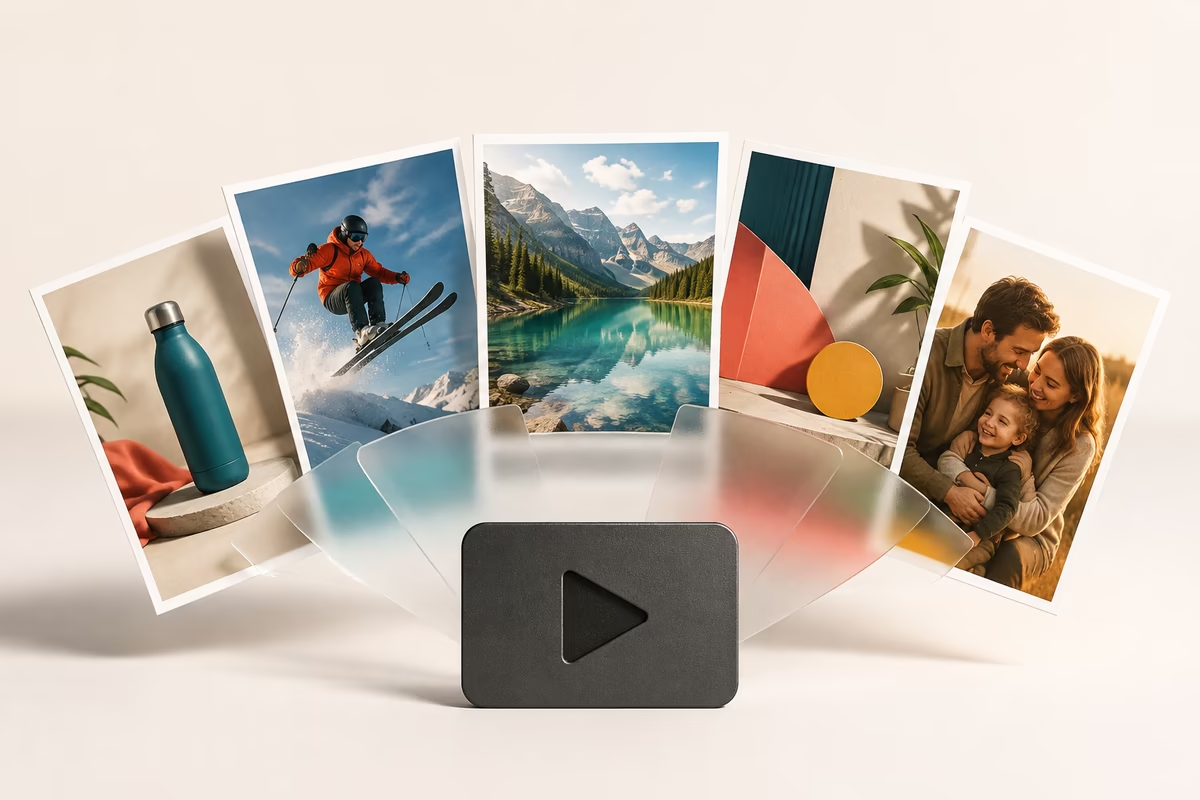
Why Convert Video to JPG for YouTube Thumbnails, Social Media, and Product Shots
When you convert video to JPG, you get lightweight images that load fast, look sharp, and work perfectly for thumbnails, landing pages, product showcases, and social campaigns.
- Create eye-catching video thumbnails for YouTube and social media
- Extract product shots from demo videos for e-commerce
- Capture action shots from sports or event recordings
- Generate image sequences for animations or presentations
- Archive important frames from family videos
How Our Online Video to Image Converter Extracts HD Frames
Our online video to image converter processes video frames directly in your browser, helping you scrub to the exact moment, extract HD stills, and export JPG or PNG files without waiting for uploads.
Upload Your Video
Simply drag and drop your video file or click to browse. We support all major formats including MP4, MOV, AVI, WebM, and more.
Select Frames
Navigate through your video frame-by-frame or use our auto-extraction feature to capture multiple frames at even intervals.
Download Images
Download individual frames or batch export all captured images in high-quality JPG format ready for immediate use.
Batch Extract Video Frames Online for Storyboards and Image Sequences
Need to extract multiple frames at once? Our Free online tool makes batch extraction effortless. With just one click, you can automatically capture frames at regular intervals throughout your entire video, perfect for creating image galleries, storyboards, or finding that perfect shot.
The batch extraction feature is particularly useful for professionals who need to process multiple videos quickly. Whether you're a video editor, content creator, or digital marketer, our tool streamlines your workflow and saves valuable time.
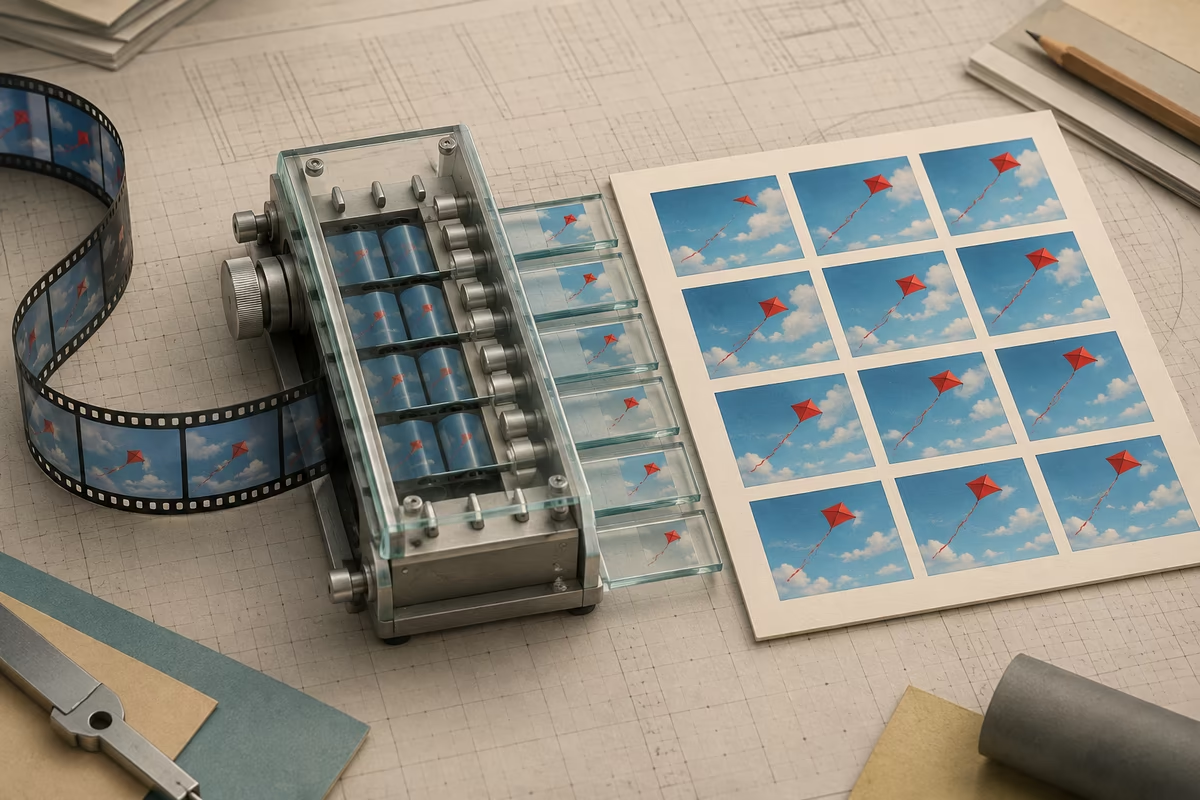
Supported Video Formats for Online Video to JPG and PNG Conversion
Our video to picture converter supports a wide range of video formats, ensuring compatibility with virtually any video file you have. Whether your footage comes from a smartphone, professional camera, or downloaded content, our tool can handle it all.
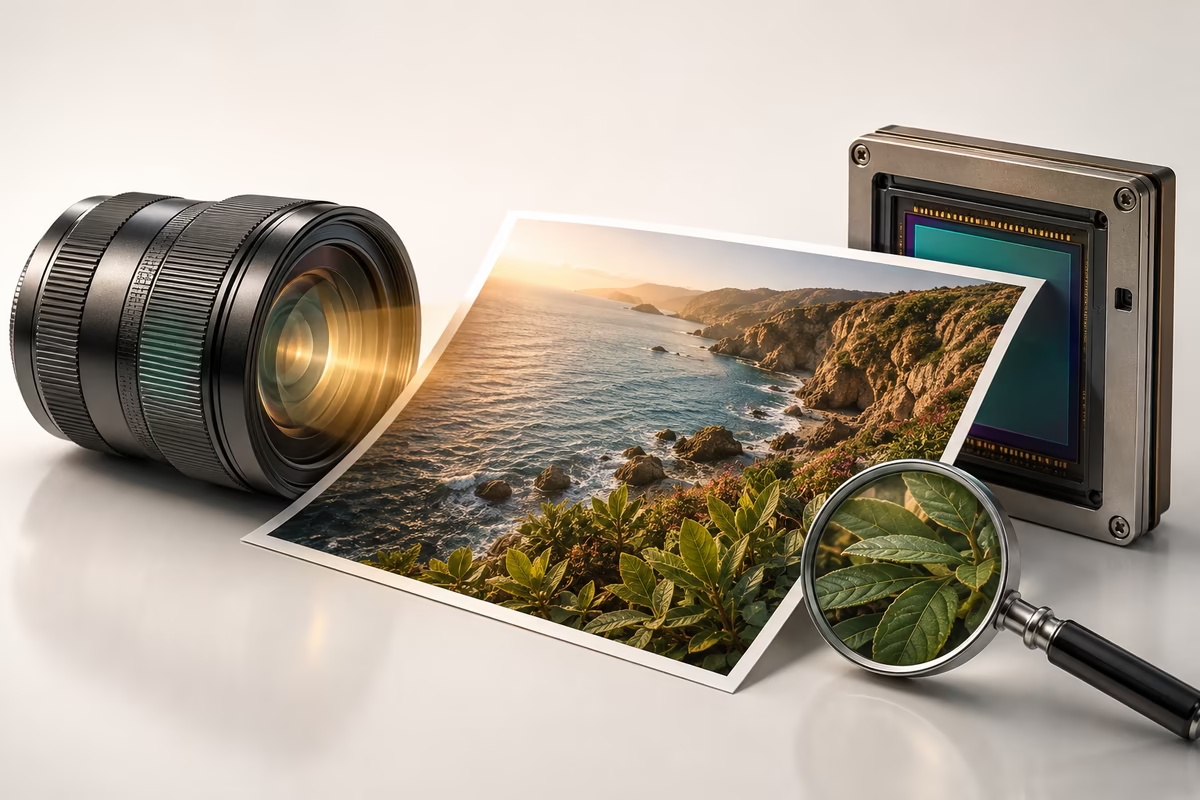
Extract HD Video Frames Without Losing Image Quality
When you convert video to JPG with our tool, you're guaranteed crisp, high-resolution output. Our extraction engine preserves the original quality of your video frames, ensuring that every detail is captured perfectly.
The exported JPG images maintain optimal quality-to-file-size ratio, making them ideal for web use while still being suitable for print applications. You can confidently use these images for social media, websites, presentations, or any other purpose.
Best Use Cases for Converting Video to Images Online
Content Creation
YouTubers and social media influencers use our video to photo converter to create compelling thumbnails that attract viewers and increase click-through rates.
E-commerce Photography
Online sellers extract product shots from video demos, saving time and ensuring consistent image quality across their listings.
Sports Analysis
Coaches and analysts capture key moments from game footage to create detailed breakdowns and training materials.
Film & Animation
Filmmakers extract frames for storyboarding, continuity checks, and creating behind-the-scenes content.
Educational Materials
Teachers and trainers capture screenshots from instructional videos to create supplementary learning resources.
Personal Memories
Everyday users preserve precious moments from family videos as printable photos for albums and frames.
Private Video to Image Conversion Without Uploading Files
Unlike other video to picture converter tools that upload your files to remote servers, our tool processes everything directly in your browser. Your videos never leave your device, ensuring complete privacy and security of your personal content.
This local processing approach also means faster conversion times since there's no need to wait for uploads or downloads. Experience the convenience of a Free online tool with the security of offline software.
Start Converting Video to JPG, PNG, and Thumbnails Online
Ready to transform your videos into stunning images? Our Free online video to photo converter is here to help. Whether you need to Convert Video to JPG for thumbnails, extract frames for analysis, or capture memories from precious footage, our tool delivers professional results with zero hassle.
Join thousands of satisfied users who trust our video to picture converter for their daily conversion needs. No registration required, no software to install – just upload, extract, and download. Experience the easiest way to convert video to image today!
Online Video to Image Converter FAQ for JPG, PNG, and Frame Extraction
Answers about converting video to JPG or PNG, extracting HD frames, creating thumbnails, and keeping your files private.
Best FAQ Topics for Video to JPG, PNG, and Online Frame Extraction
These common questions help creators, marketers, and e-commerce teams understand how to convert video to images, improve frame quality, and keep every file private in the browser.
Video to JPG for Thumbnails
Learn how to capture clean frames for YouTube thumbnails, social posts, and blog cover images.
Video to PNG for Quality
Understand when PNG is useful for sharper stills, product images, and design workflows that need more detail.
Private Browser Extraction
See how local browser processing helps you extract HD frames without uploading sensitive video files.
From the blog
Guides and tips for turning video into images, GIFs and thumbnails.
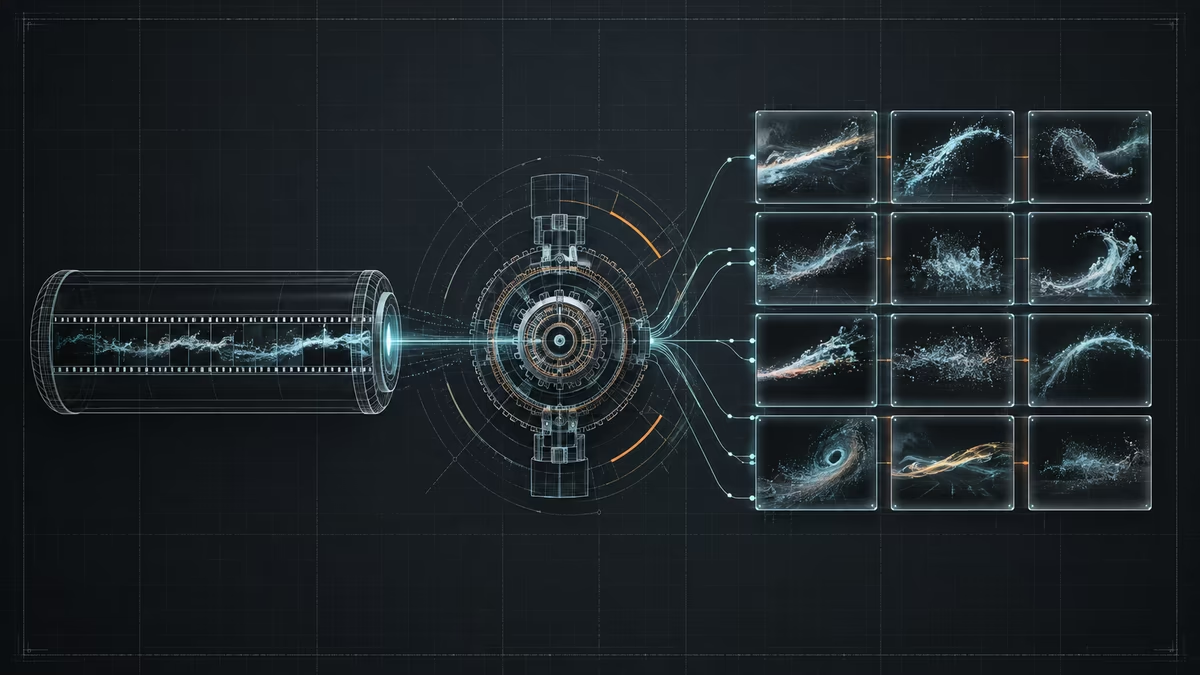
How to Extract a Frame From a Video on iPhone
Learn how to extract a sharp still image from an iPhone video and save it as a JPG or PNG without uploading the original clip.

How to Convert MP4 to Images (JPG & PNG Guide)
Learn how to convert MP4 to images as JPG or PNG — grab a single frame, export at intervals, or pull every frame. Free, private, in-browser, no upload and no watermark.
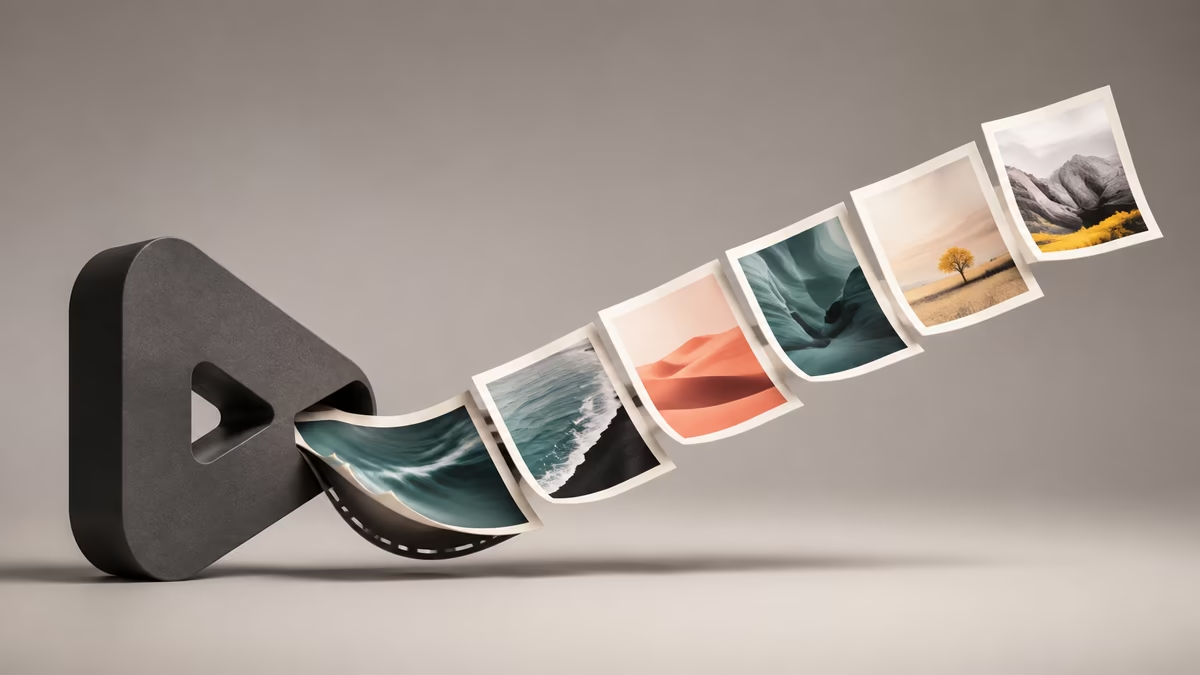
Video to Image for E-commerce: Better Product Images, Fast
Learn how to use video to image for ecommerce workflows — turn product spin clips into crisp gallery photos, thumbnails, and detail shots. Free, private, in-browser, no watermark.